Add-ons / WebP
WebP add-on
Smaller images on every page, without anyone thinking about it.
Photos straight from a phone or a camera are often several times larger than a web page needs, and most people upload them as they are. Pages load slower and your storage fills up. With this add-on, every JPEG and PNG is turned into WebP in the browser before it is uploaded. Nobody has to do anything different.
Free
For ContentBuilder.js 6.0.12 and ContentBox.js 6.0.13, or newer.
Free. Use it wherever your ContentBuilder.js or ContentBox.js licence lets you use the editor, on websites or in SaaS. Source code included.
Change an image as usual: it arrives as WebP, 83% smaller in this example.
Why it is different
Nothing to learn
There is no button. Your users upload the way they always do, and the smaller file is what your server receives. A short notice shows what was saved.
No server work
The conversion runs in the browser, so your upload handler needs no image library. It only has to accept .webp files.
Never makes it worse
If WebP would not be smaller, or a file cannot be converted, the original is uploaded as it is. GIF, SVG and WebP files are left alone.
How it works
1
Upload a photo
From the Image panel or the image tool, as usual.
2
It is converted
JPEG, PNG and BMP images become WebP in the browser. Transparency is kept; camera data and location are not.
3
Your server gets the WebP
Your own upload handler receives a .webp file instead of the .jpg or .png.
Screenshots

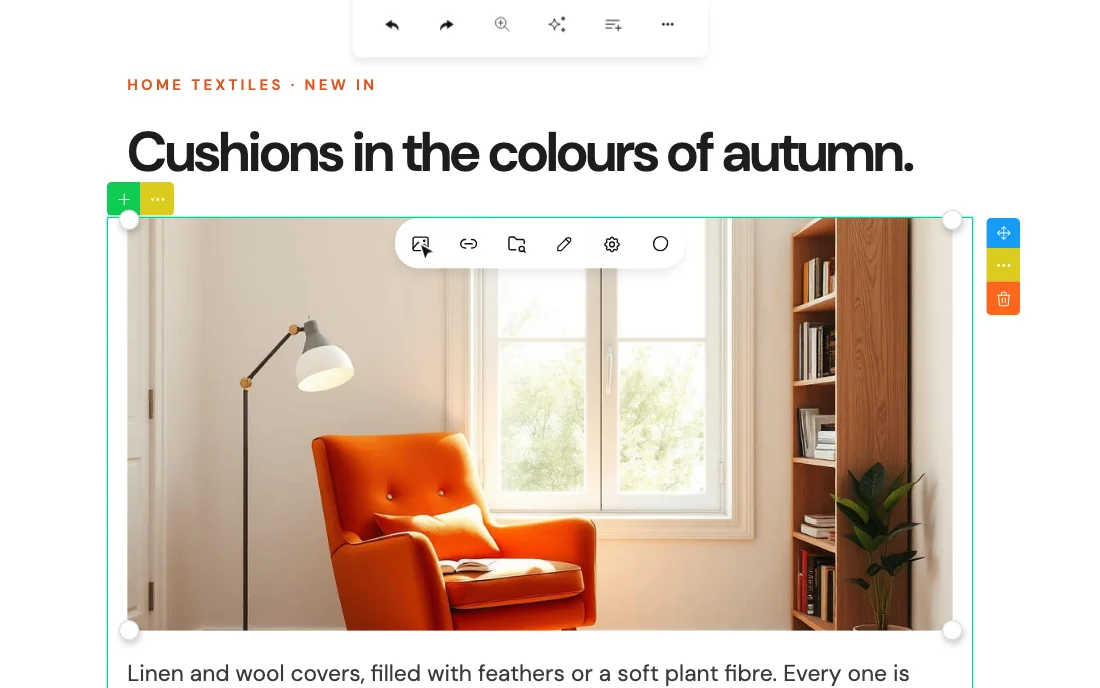
Turn it on
Copy the add-on next to the editor files and add it to the addons option. Works with a script tag or a bundler (React, Next.js, Vue, Vite).
const builder = new ContentBuilder({
    container: '.container',
    addons: [ContentBuilderAddons.WebP()],
});
Questions
- Does it work in Safari?
- Yes. Chrome, Edge and Firefox create WebP themselves. Safari cannot, so the add-on brings a small encoder that loads only the first time Safari needs it.
- Can I set the quality or a maximum size?
- Yes. Set the quality, and a maximum width and height so very large photos are scaled down as well.
- Do I need to change my server?
- Only if it accepts certain file types: allow image/webp (.webp). Nothing else changes.
- Can I use it in my SaaS or an app I sell?
- Yes, with a Pro or Super licence of ContentBuilder.js or ContentBox.js.
- Is the source code included?
- Yes. Every add-on comes with its source code, whichever licence you have, so you can change it for your project.
- How long are updates and support?
- 1 year of free updates and email support included. Updating is optional.