Add-ons / Table Styles
Table Styles add-on
A finished table in one click.
A plain table on a designed page looks unfinished, and styling one by hand means borders, padding and colors cell by cell. Table Styles gives the table a complete look in one click, and you see it change as you choose.
Free
For ContentBuilder.js 6.0.12 and ContentBox.js 6.0.13, or newer.
Free. Use it wherever your ContentBuilder.js or ContentBox.js licence lets you use the editor, on websites or in SaaS. Source code included.
Open Table Styles from the table toolbar and try a few looks.
Why it is different
24 looks, quiet to bold
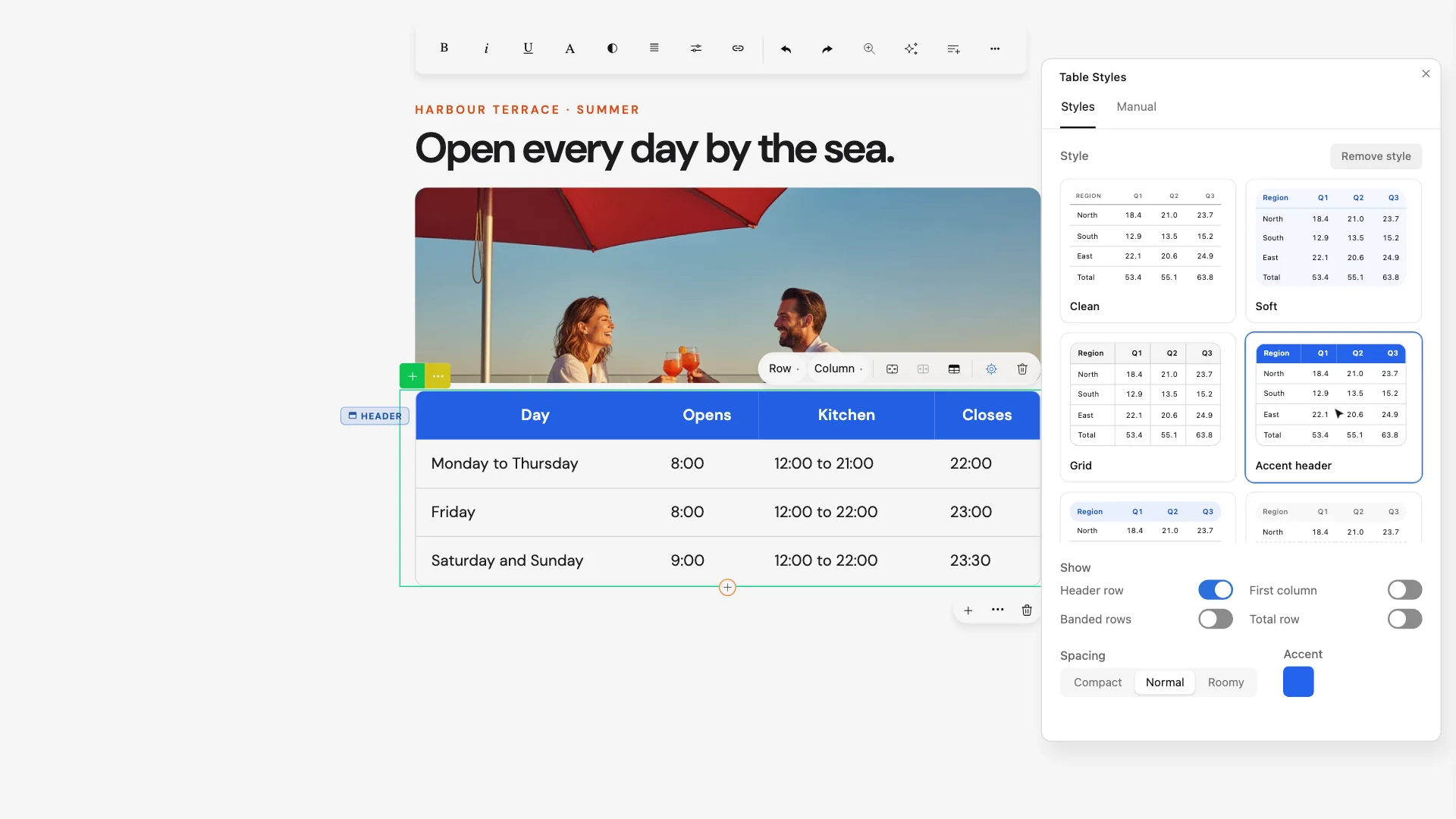
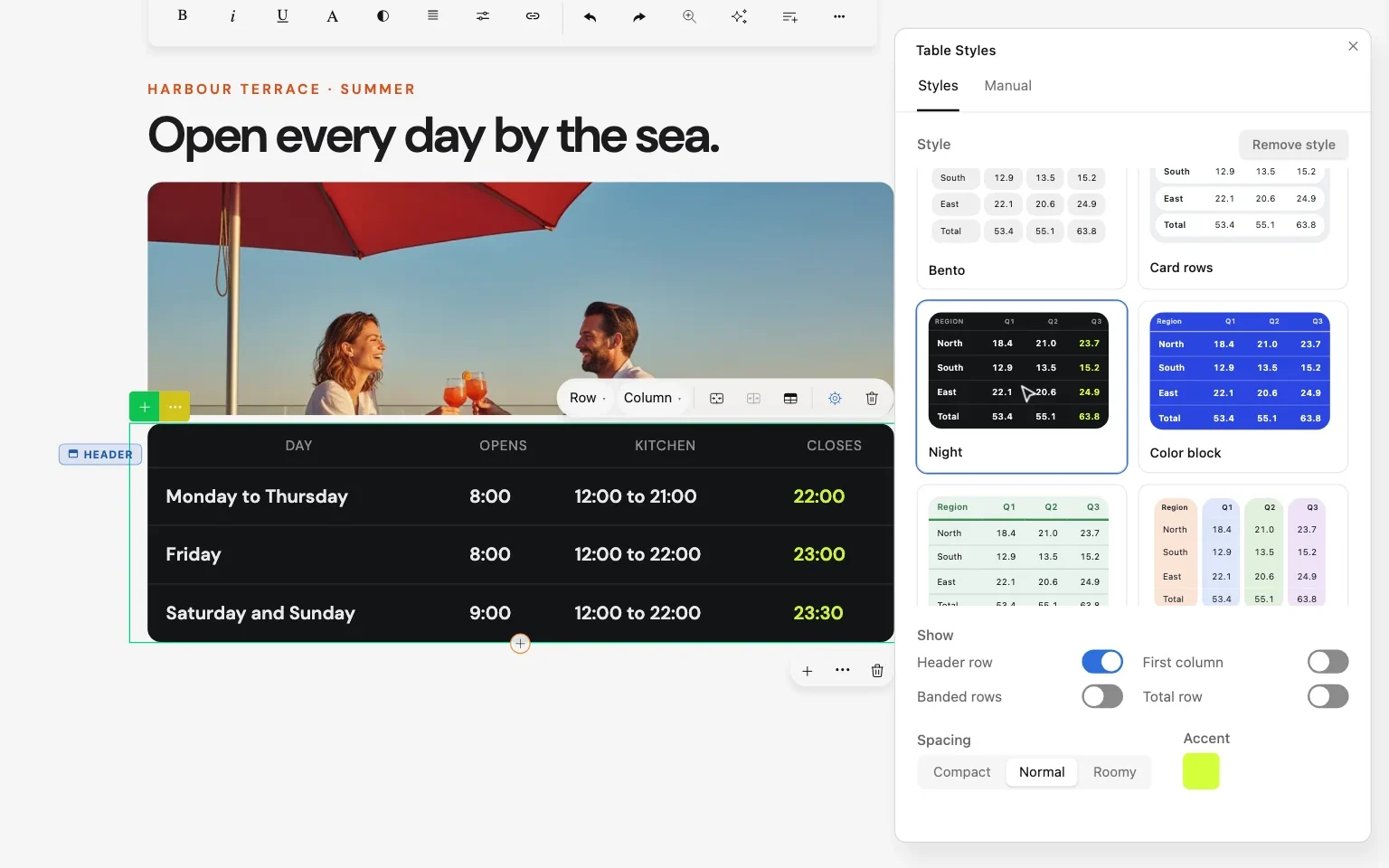
From Clean, Minimal and Ledger to Night, Color block and Pastel columns. Switch the header row, first column, banded rows and total row on or off.
Fits your site
A style uses the page’s own font and text color, so it matches your design, dark mode included. Each look has its own accent color, and you can pick another.
Nothing extra on the published page
The look travels with the table: a copied or moved table keeps it, and the published page needs no extra file.
How it works
1
Open Table Styles
Click in a table and click Table Settings (the cog) on the table toolbar. The panel opens beside the page.
2
Pick a look
The table changes as you click. Choose which parts to show, the spacing (Compact, Normal, Roomy) and the accent.
3
Fine-tune by hand
In Manual, set the background, text color and alignment for the table, a row, a column, even or odd rows, or one cell.
Screenshots
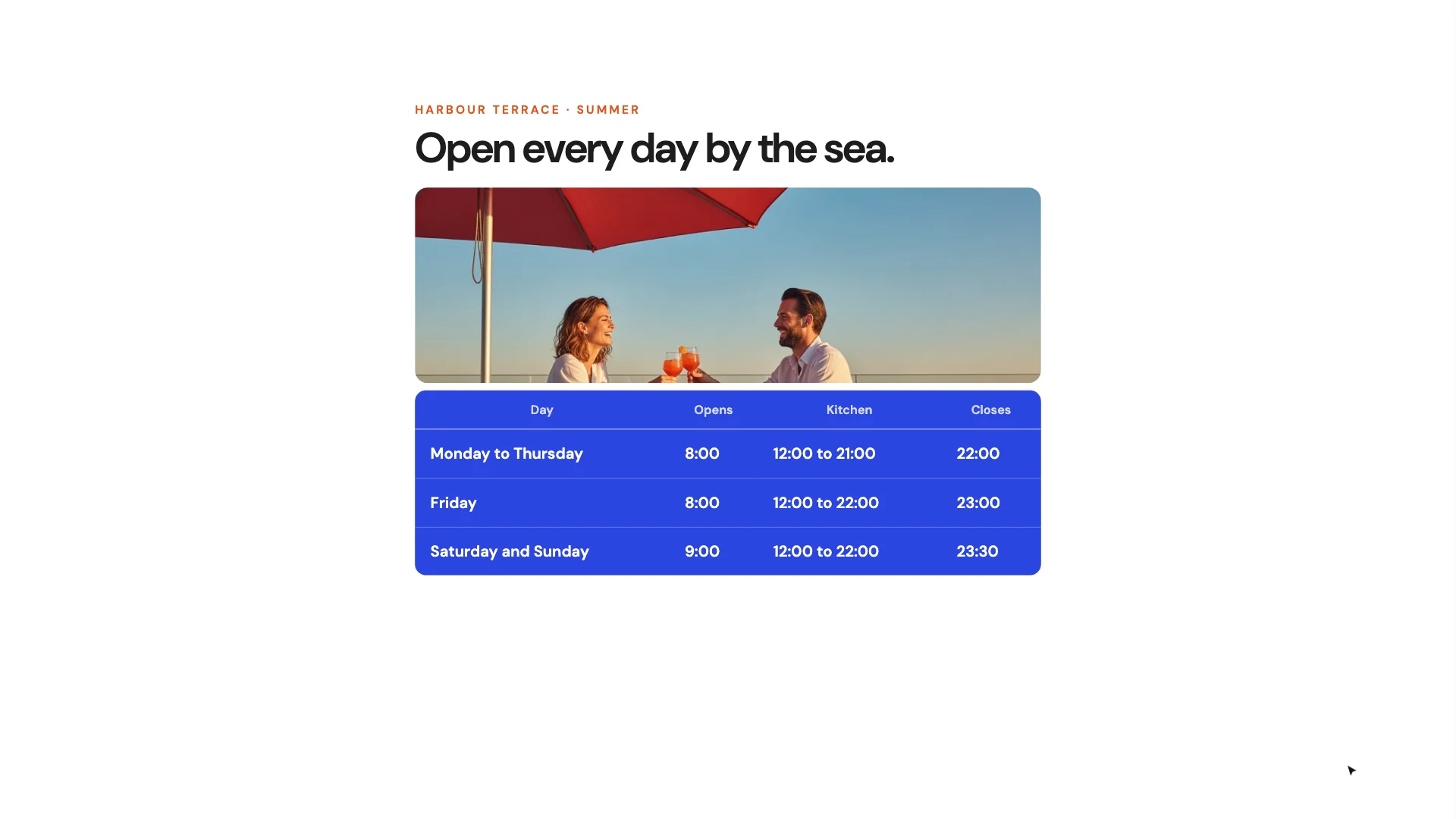
Turn it on
Copy the add-on next to the editor files and add it to the addons option. Works with a script tag or a bundler (React, Next.js, Vue, Vite).
const builder = new ContentBuilder({
    container: '.container',
    addons: [ContentBuilderAddons.TableStyles()],
});
Questions
- Can I add looks of my own?
- Yes. Add them with the looks option, as a few lines of CSS; they appear at the end of the gallery. With the show option you choose which looks the gallery offers, and in what order.
- What happens to manual colors when I change the style?
- They stay on top of the style. Clear manual styles removes them, and Remove style takes the table back to plain.
- Does it replace the editor’s table color dialog?
- Yes. With the add-on, the cog on the table toolbar opens Table Styles instead.
- Can I use it in my SaaS or an app I sell?
- Yes, with a Pro or Super licence of ContentBuilder.js or ContentBox.js.
- Is the source code included?
- Yes. Every add-on comes with its source code, whichever licence you have, so you can change it for your project.
- How long are updates and support?
- 1 year of free updates and email support included. Updating is optional.