Add-ons / Quiet Editing
Quiet Editing add-on
Just the page and your words.
Turn on Quiet Editing and the editor steps out of the way: the toolbars, the tools around rows and columns, and the outlines all disappear. The page takes the whole window, and you format with the keyboard as you write.
Free
For ContentBuilder.js 6.0.12 and ContentBox.js 6.0.13, or newer.
Free. Use it wherever your ContentBuilder.js or ContentBox.js licence lets you use the editor, on websites or in SaaS. Source code included.
Tools › Quiet Editing, a sentence written with the editor hidden, then the editor back.
Why it is different
See the real page
Nothing on the page moves or changes. You see it as visitors will, while you keep writing.
One key
Ctrl+Shift+\ (Cmd+Shift+\ on a Mac) turns it on and off while you type.
Easy to leave
A small Quiet Editing button stays at the bottom of the window. Click it to bring the tools back.
How it works
1
Turn on
Open Tools › Quiet Editing in the text toolbar’s More menu, or press the shortcut.
2
Write
Type as usual. Format with the keyboard: Ctrl+B bold, Ctrl+I italic, Ctrl+K link (Cmd on a Mac).
3
Turn off
Click Quiet Editing at the bottom of the window, or press the shortcut again.
Screenshots

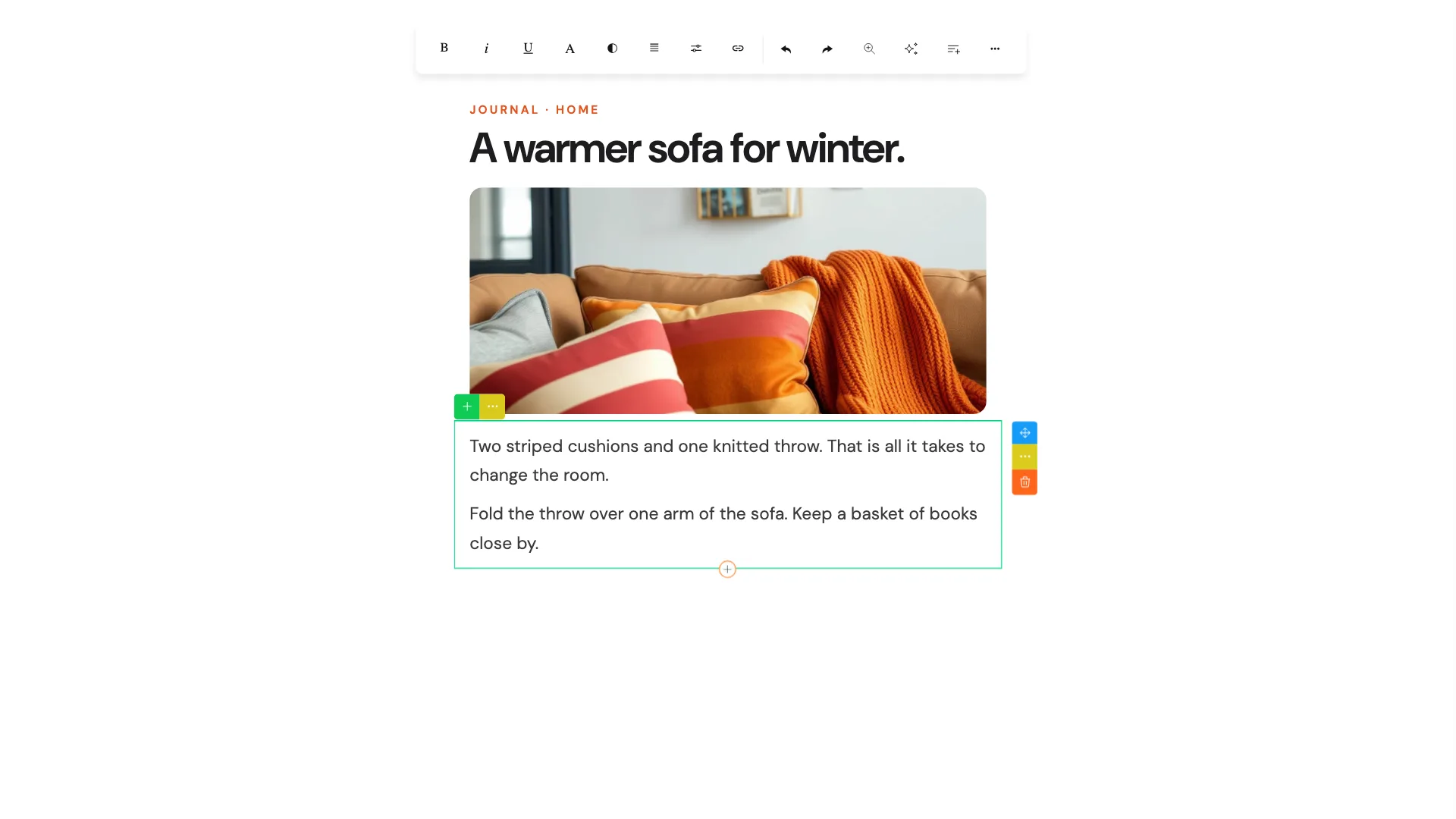
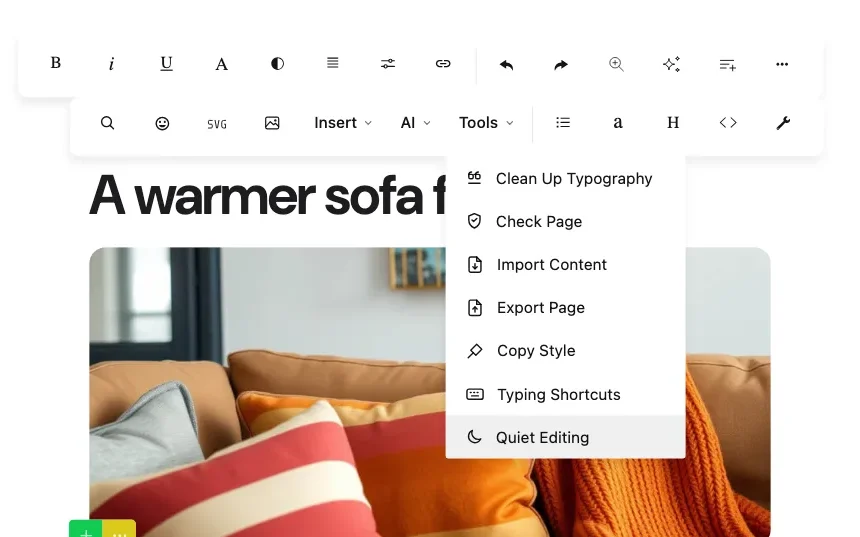
Turn it on
Copy the add-on next to the editor files and add it to the addons option. Works with a script tag or a bundler (React, Next.js, Vue, Vite).
const builder = new ContentBuilder({
    container: '.container',
    addons: [ContentBuilderAddons.QuietEditing()],
});
Questions
- Can I move or delete rows while it is on?
- No. Turn it off to move, copy or delete rows and other blocks.
- Can I still change an image or a link?
- Yes. Click it and its own small tool appears, without leaving Quiet Editing.
- Where is it in ContentBox?
- In the Text panel, as a Quiet Editing button. The side bar and the panel on the right are hidden too.
- Can I turn off the keyboard shortcut?
- Yes, with the shortcut option.
- Can I use it in my SaaS or an app I sell?
- Yes, with a Pro or Super licence of ContentBuilder.js or ContentBox.js.
- Is the source code included?
- Yes. Every add-on comes with its source code, whichever licence you have, so you can change it for your project.
- How long are updates and support?
- 1 year of free updates and email support included. Updating is optional.