Add-ons / Diagrams
Diagrams add-on
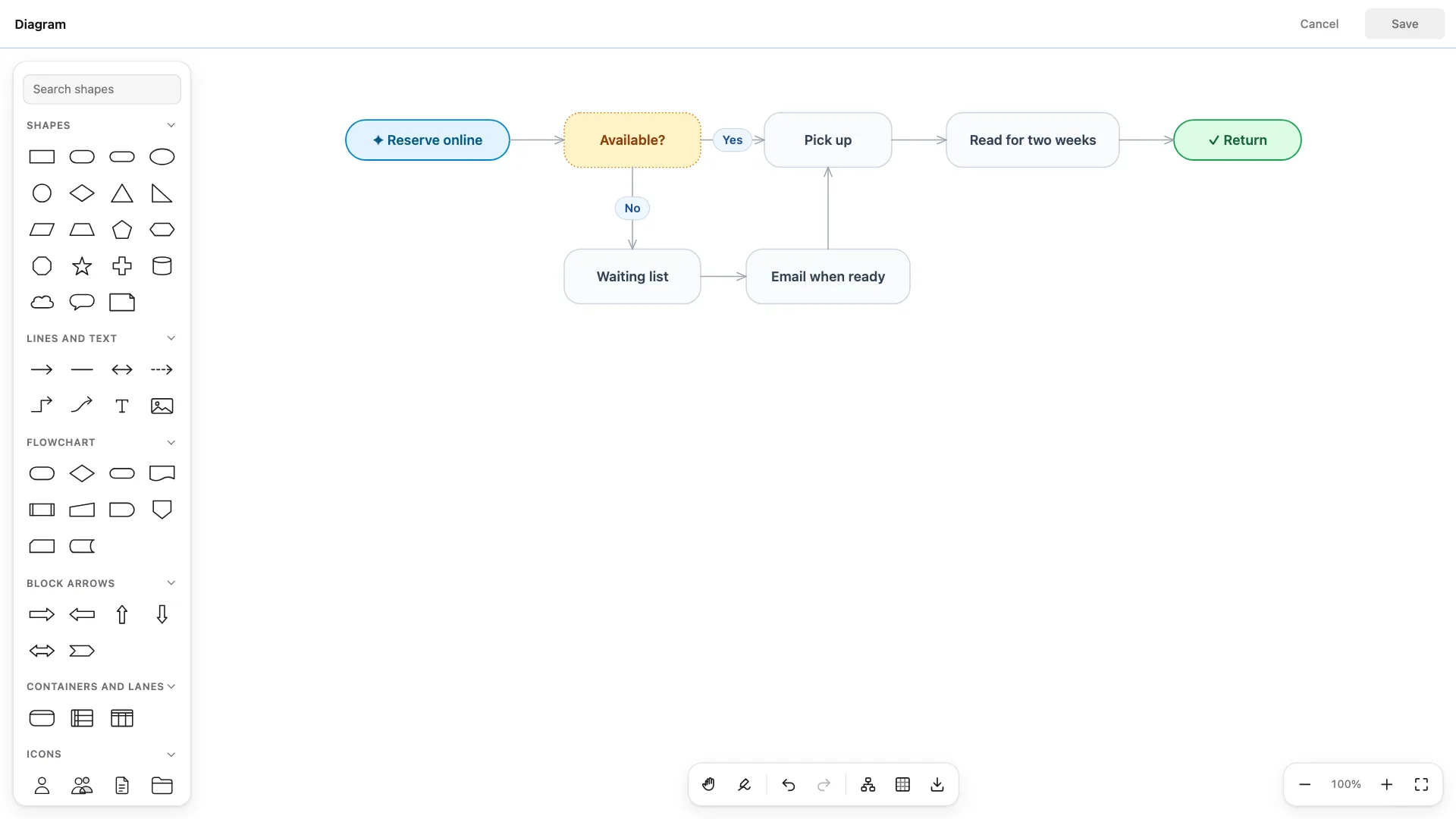
Draw the diagram in the page. Change it any time.
A process, a timeline or a team chart usually means drawing it in another tool, exporting a picture and uploading it, and doing it all again when one step changes. With this add-on the diagram is drawn inside the editor, and one click opens it again for the next change.
$39
For ContentBuilder.js 6.0.12 and ContentBox.js 6.0.13, or newer.
One price. Use it wherever your ContentBuilder.js or ContentBox.js licence lets you use the editor, on websites or in SaaS. Source code and 1 year of updates and email support included.
Or get it in the Visual Content bundle for $179, or with all add-ons for $299.
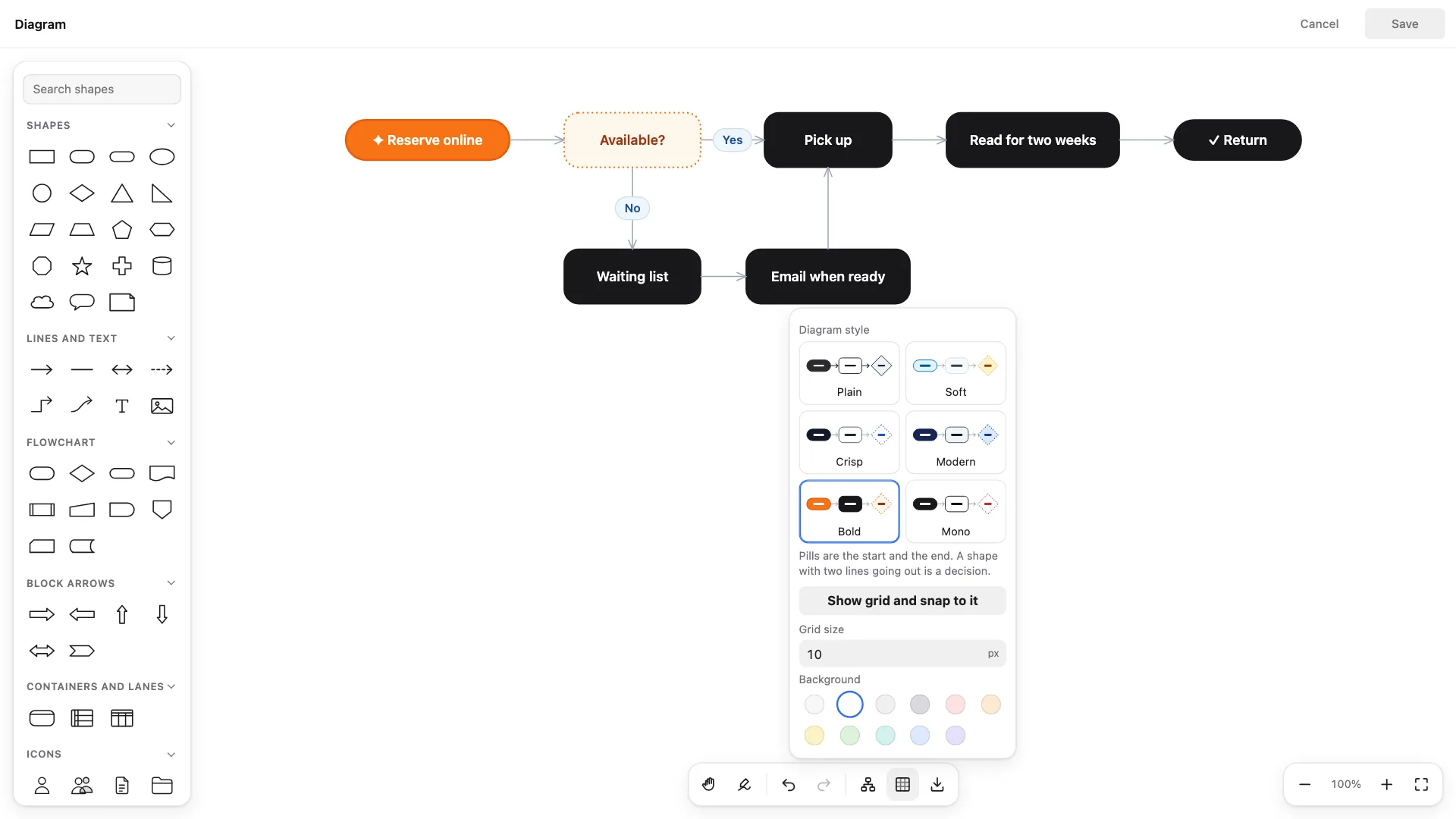
Open a diagram from the page, try the styles (Crisp, Modern, Bold, Mono), keep Soft and save.
Why it is different
A full diagram editor
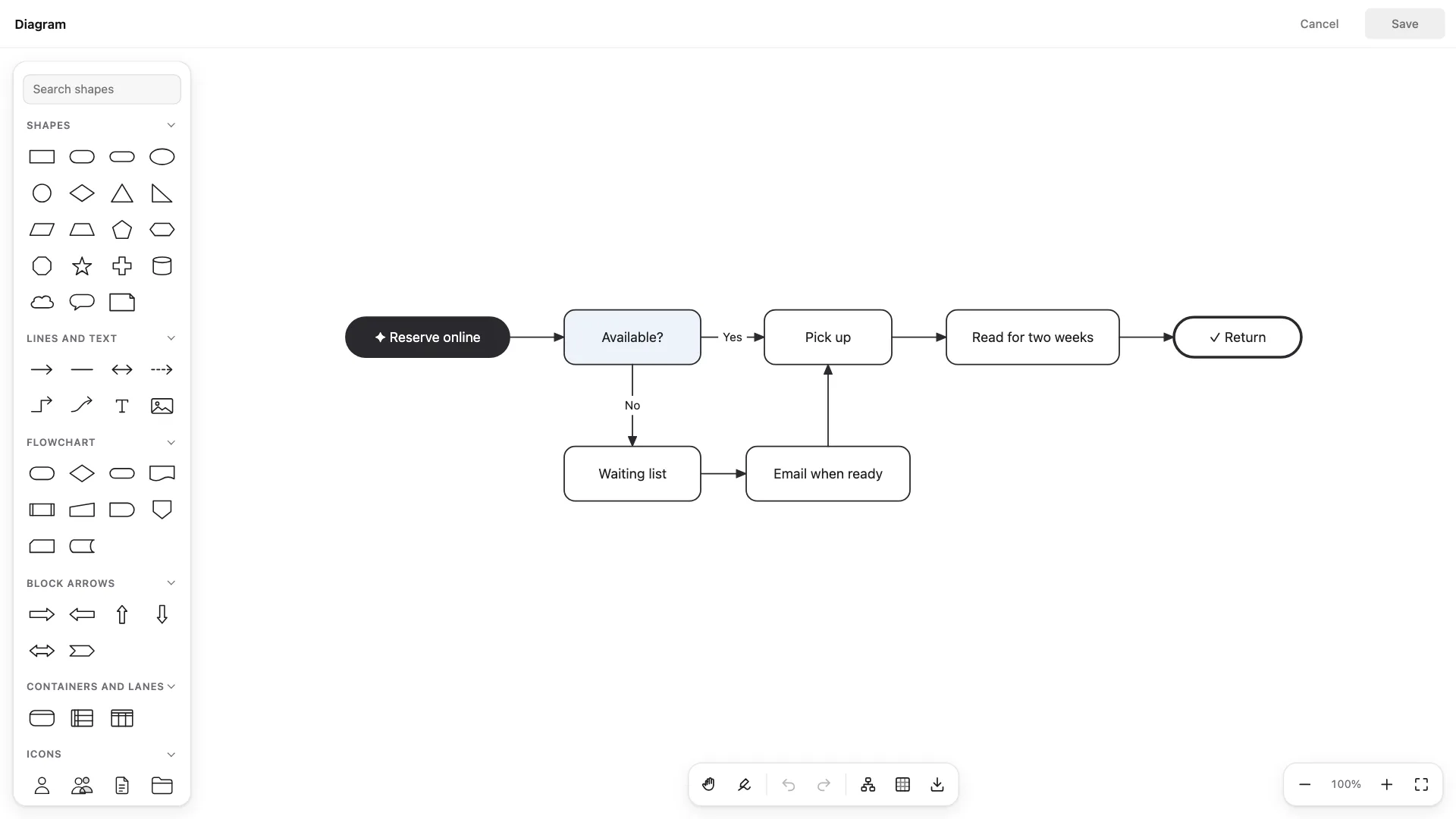
Flowcharts, process steps, org charts and more: shapes, lines, icons and containers. Six ready-made styles give the whole diagram a finished look in one click.
Always editable
The diagram is saved with its picture, so it opens again exactly as you left it. There is no source file to keep track of.
Light for visitors
The page keeps a sharp SVG picture, so visitors load nothing extra. Pictures go through your upload, like any image.
How it works
1
Click Insert Diagram
Click into text and choose Insert Diagram. The diagram editor opens full screen.
2
Draw
Drag shapes in and type the labels. Click a dot beside a selected shape to add the next step, already connected. Pick a style under Canvas.
3
Insert
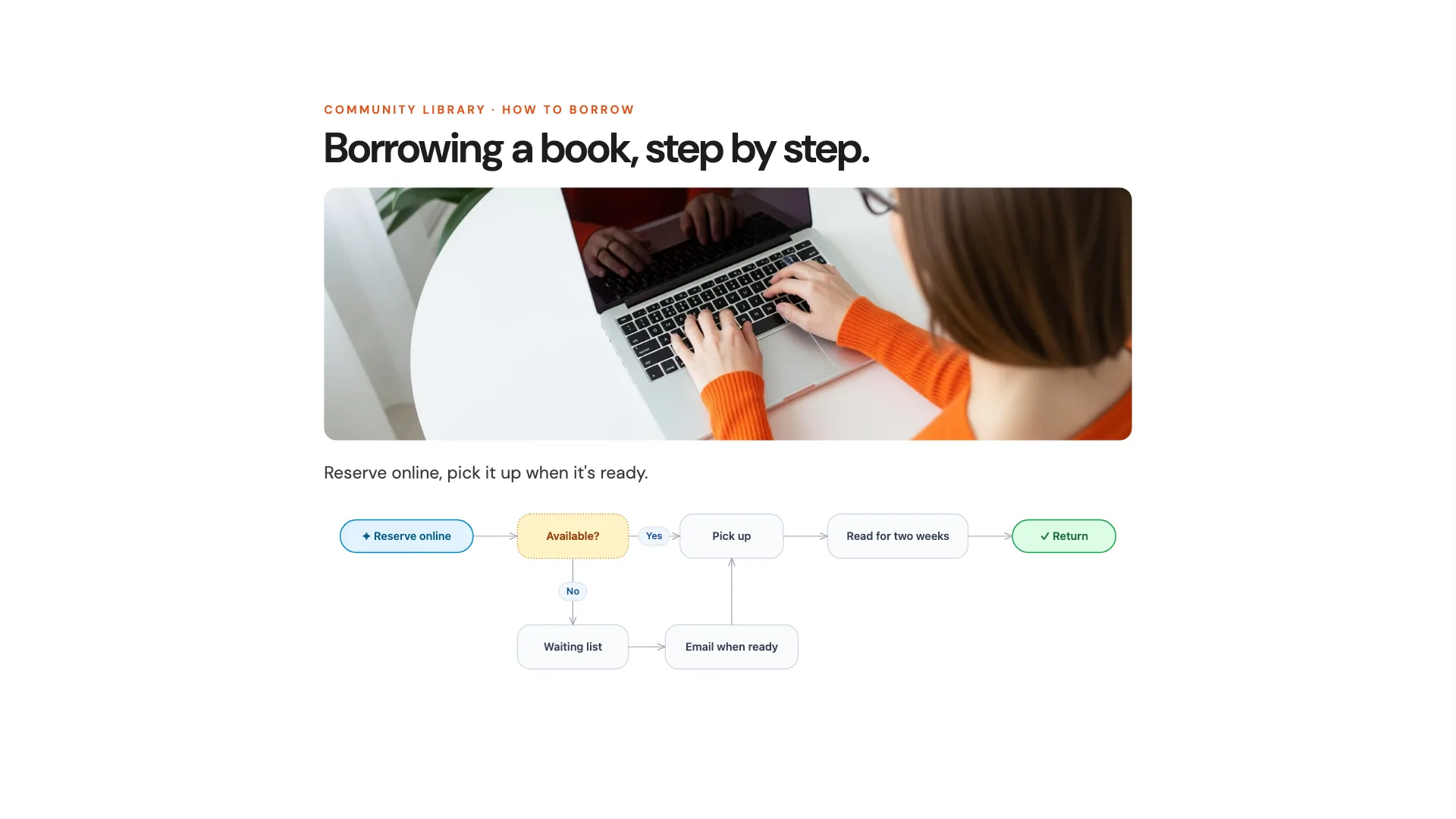
The diagram goes into the page as a picture. Click it and choose Edit Diagram to change it later, then Apply.
Screenshots
Turn it on
Copy the add-on next to the editor files and add it to the addons option. Works with a script tag or a bundler (React, Next.js, Vue, Vite).
const builder = new ContentBuilder({
    container: '.container',
    addons: [ContentBuilderAddons.Diagrams()],
});
Questions
- Is anything sent to another service?
- No. The diagram editor runs in the browser and loads only when a diagram is opened.
- Can I undo a change?
- Yes. Inserting or applying a change is one step in the page, and one Undo takes it back.
- Which language is the diagram editor in?
- English. Its texts can be translated with the labels option, and the add-on’s own labels with lang.
- Is the source code included?
- Yes, the add-on’s own source code, whichever licence you have, so you can change it for your project. The diagram editor itself comes ready to use, without its source.
- Can I use it in my SaaS or an app I sell?
- Yes, with a Pro or Super licence of ContentBuilder.js or ContentBox.js.
- How long are updates and support?
- 1 year of free updates and email support included. Updating is optional.