Add-ons / Companion
Companion add-on
Writing is nicer with company.
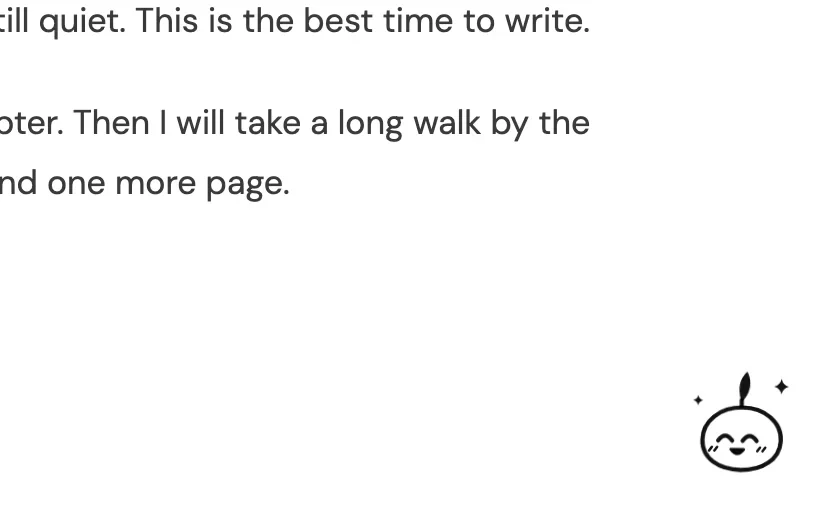
Long writing sessions can feel lonely. Sprout sits in a corner of the window and keeps you company: it watches the caret while you type, thinks when you pause mid-sentence, cheers when you reach a word goal and falls asleep when you leave. It adds nothing to the page, so visitors never see it. It is at its best with Quiet Editing: the toolbars go away, and only your page and Sprout stay in view.
Free
For ContentBuilder.js 6.0.12 and ContentBox.js 6.0.13, or newer.
Free. Use it wherever your ContentBuilder.js or ContentBox.js licence lets you use the editor, on websites or in SaaS. Source code included.
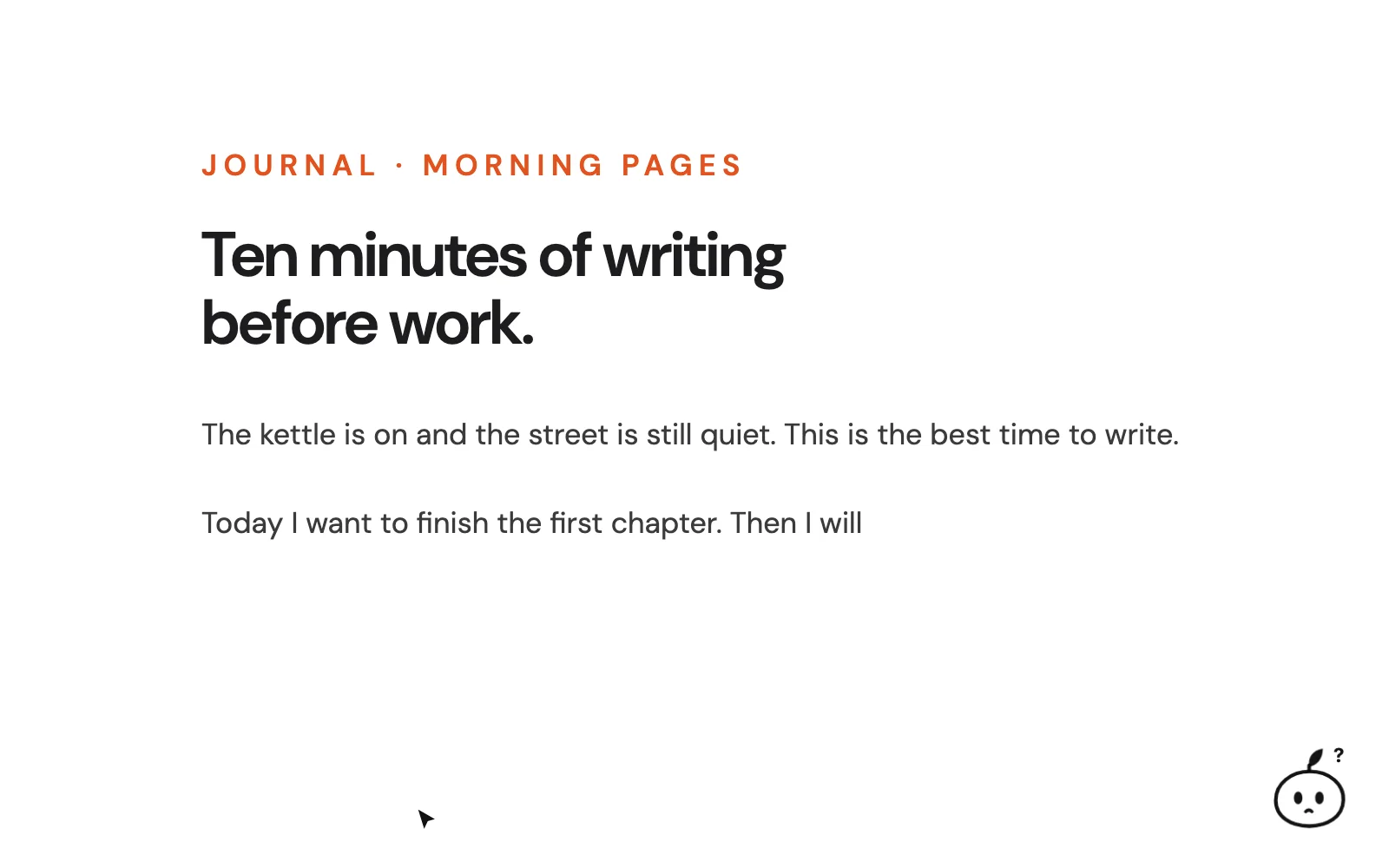
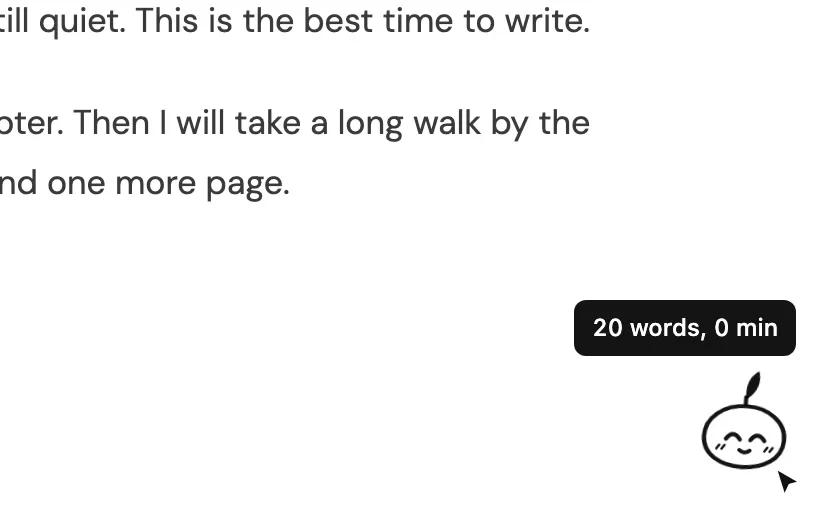
Shown with Quiet Editing, which hides the editor’s toolbars, so only the page and Sprout are in view. Sprout wakes up, thinks during a pause, cheers at the word goal, then shows the words written when the mouse rests on it.
Why it is different
Reacts to your writing
It holds still while you type, thinks when you stop mid-sentence, cheers every word goal, gasps at a big delete and shines when you save.
Plays along
It looks at the mouse, gets excited when it comes close, and shows the words and minutes of your session when you rest the mouse on it. Click it for a different reaction each time.
Out of the way
It sits in the bottom right corner of the window, or another corner you choose, and stays there. It follows the editor’s light or dark theme, and stays still when the system is set to reduce motion.
How it works
1
Add the add-on
Sprout appears in a corner as soon as the editor opens.
2
Write
Type as usual. Sprout watches, thinks, cheers and sleeps along with you.
3
Adjust
Open Tools › Companion in the More menu to hide it, choose its corner, set how lively it is, or change the word goal.
Screenshots
Turn it on
Copy the add-on next to the editor files and add it to the addons option. Works with a script tag or a bundler (React, Next.js, Vue, Vite).
const builder = new ContentBuilder({
    container: '.container',
    addons: [ContentBuilderAddons.Companion()],
});
Questions
- Do visitors see Sprout?
- No. Sprout lives in the editor only and adds nothing to the saved page.
- Can each person turn it off?
- Yes. Tools › Companion has Show Sprout, and each person’s choices are kept in their own browser.
- Does it work in dark mode?
- Yes. Sprout is drawn in the editor’s own text color, so it follows the light or dark theme.
- Can I use it in my SaaS or an app I sell?
- Yes, with a Pro or Super licence of ContentBuilder.js or ContentBox.js.
- Is the source code included?
- Yes. Every add-on comes with its source code, whichever licence you have, so you can change it for your project.
- How long are updates and support?
- 1 year of free updates and email support included. Updating is optional.