Add-ons / Timeline
Timeline add-on
A plan everyone can read at a glance.
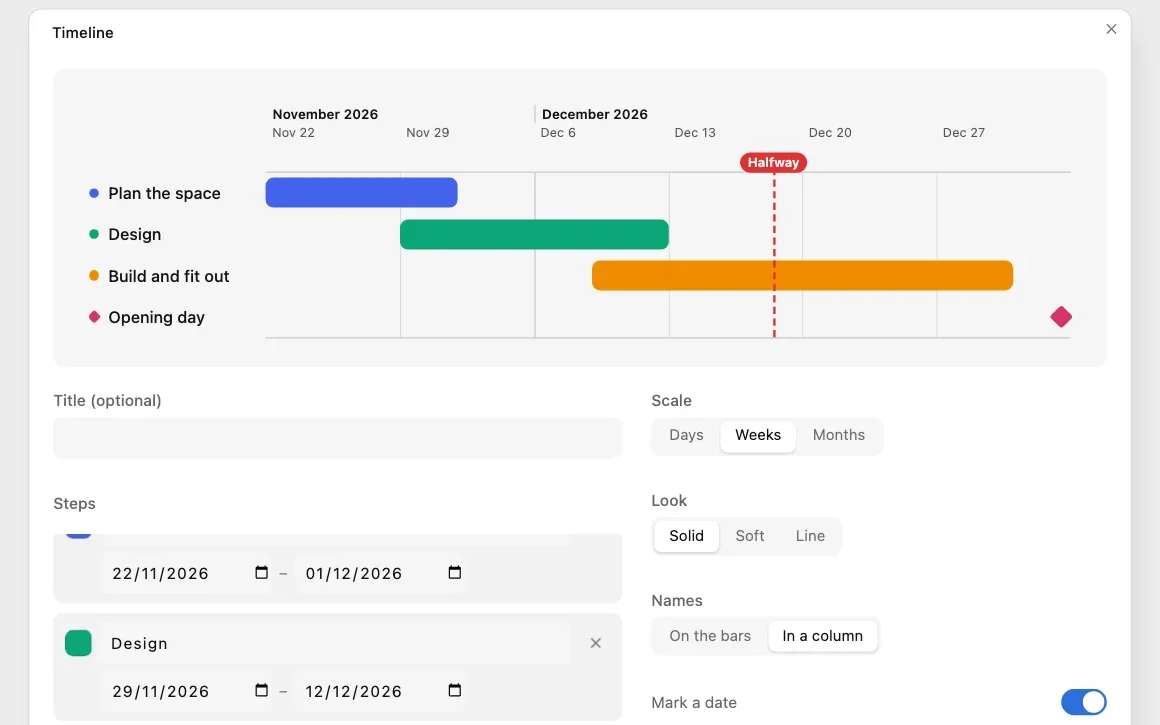
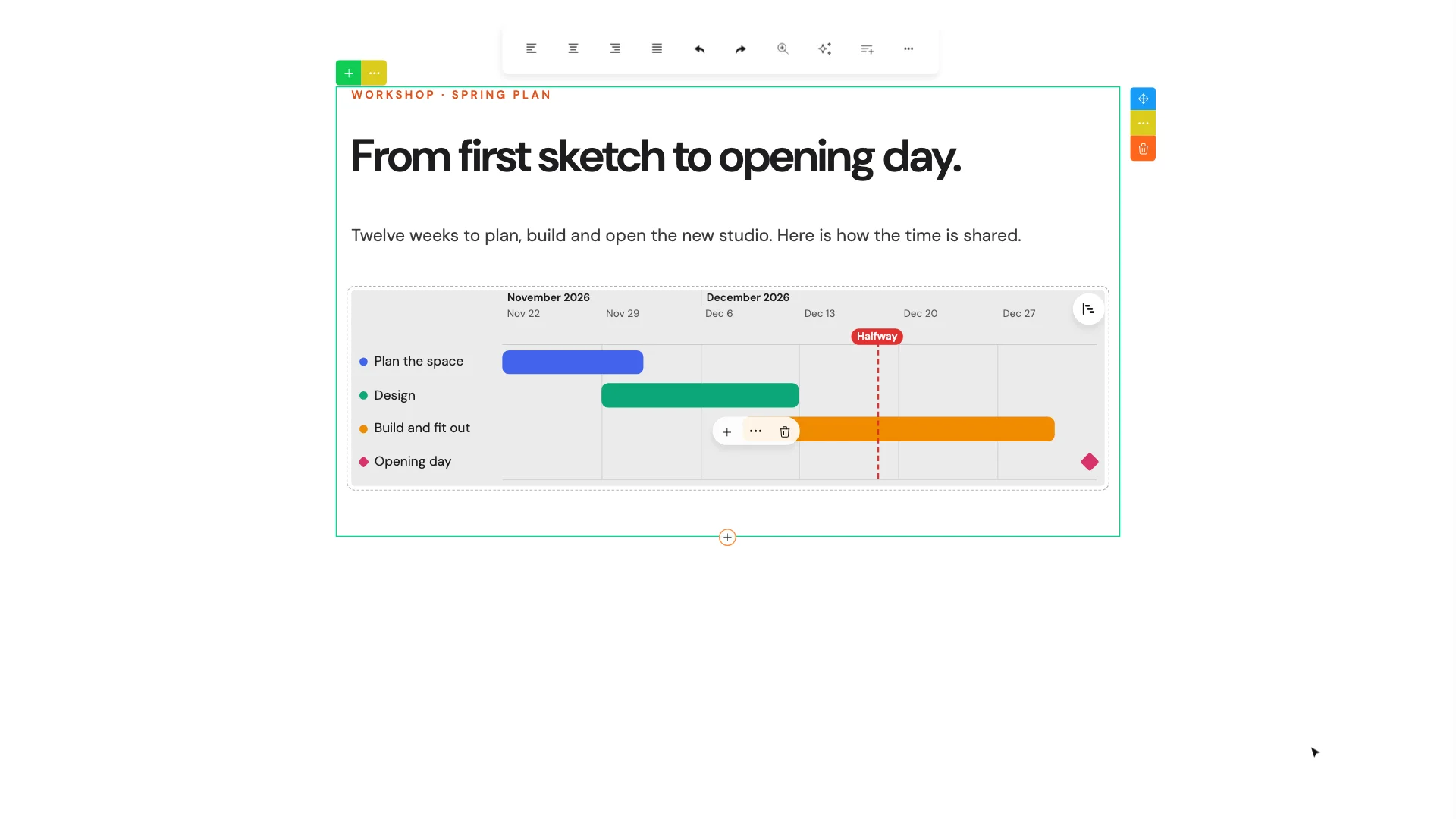
Project phases, a launch schedule or a course programme are hard to follow as a list of dates. With this add-on each step becomes a bar from its start to its end date, on a scale of days, weeks or months. Type the steps, choose a look and insert. Double-click it later to change anything.
$29
For ContentBuilder.js 6.0.12 and ContentBox.js 6.0.13, or newer.
One price. Use it wherever your ContentBuilder.js or ContentBox.js licence lets you use the editor, on websites or in SaaS. Source code and 1 year of updates and email support included.
Or get it in the Visual Content bundle for $179, or with all add-ons for $299.
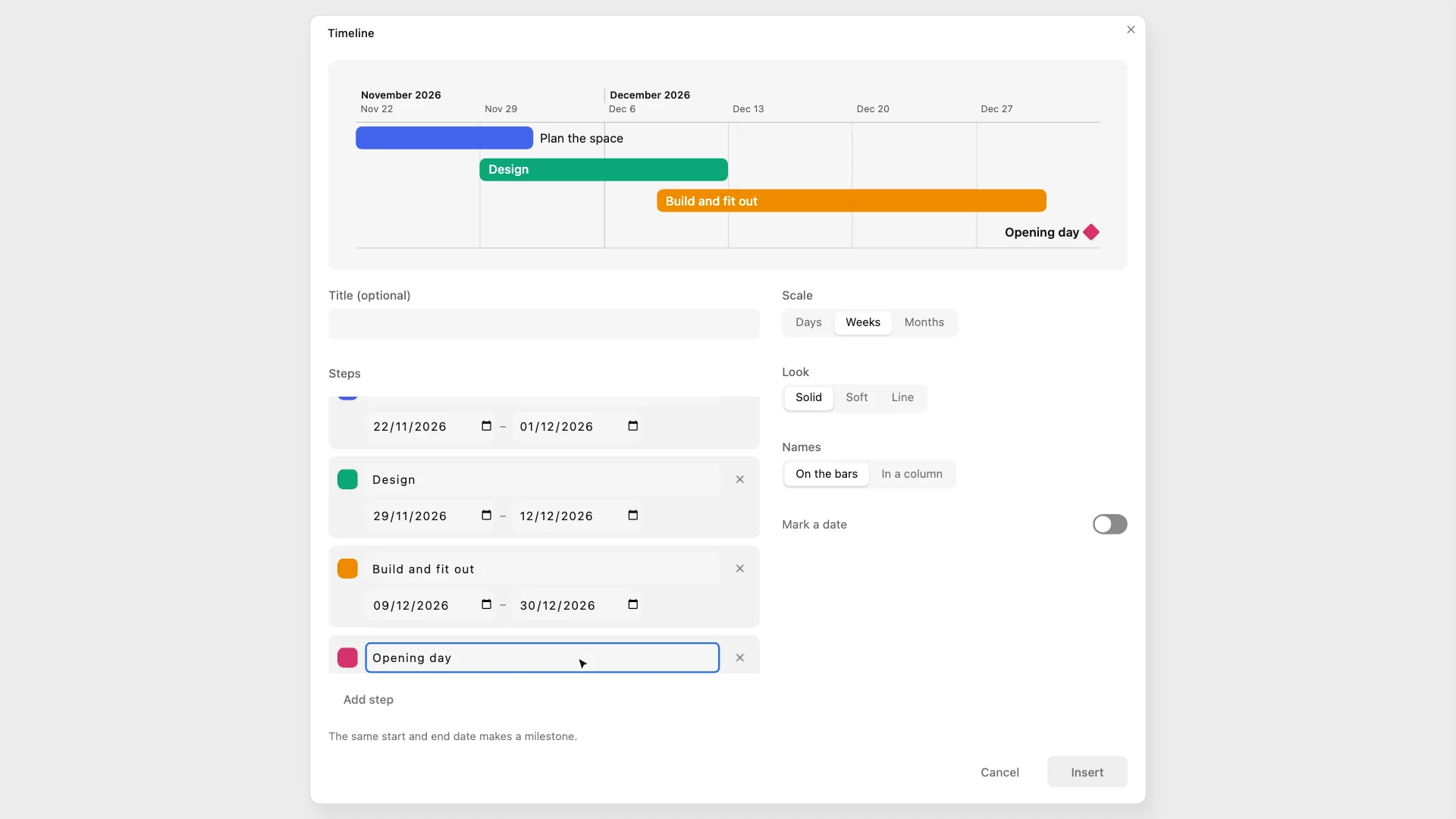
Name the steps, try the Soft and Line looks, put the names in a column, mark a date and insert.
Why it is different
Three looks, three scales
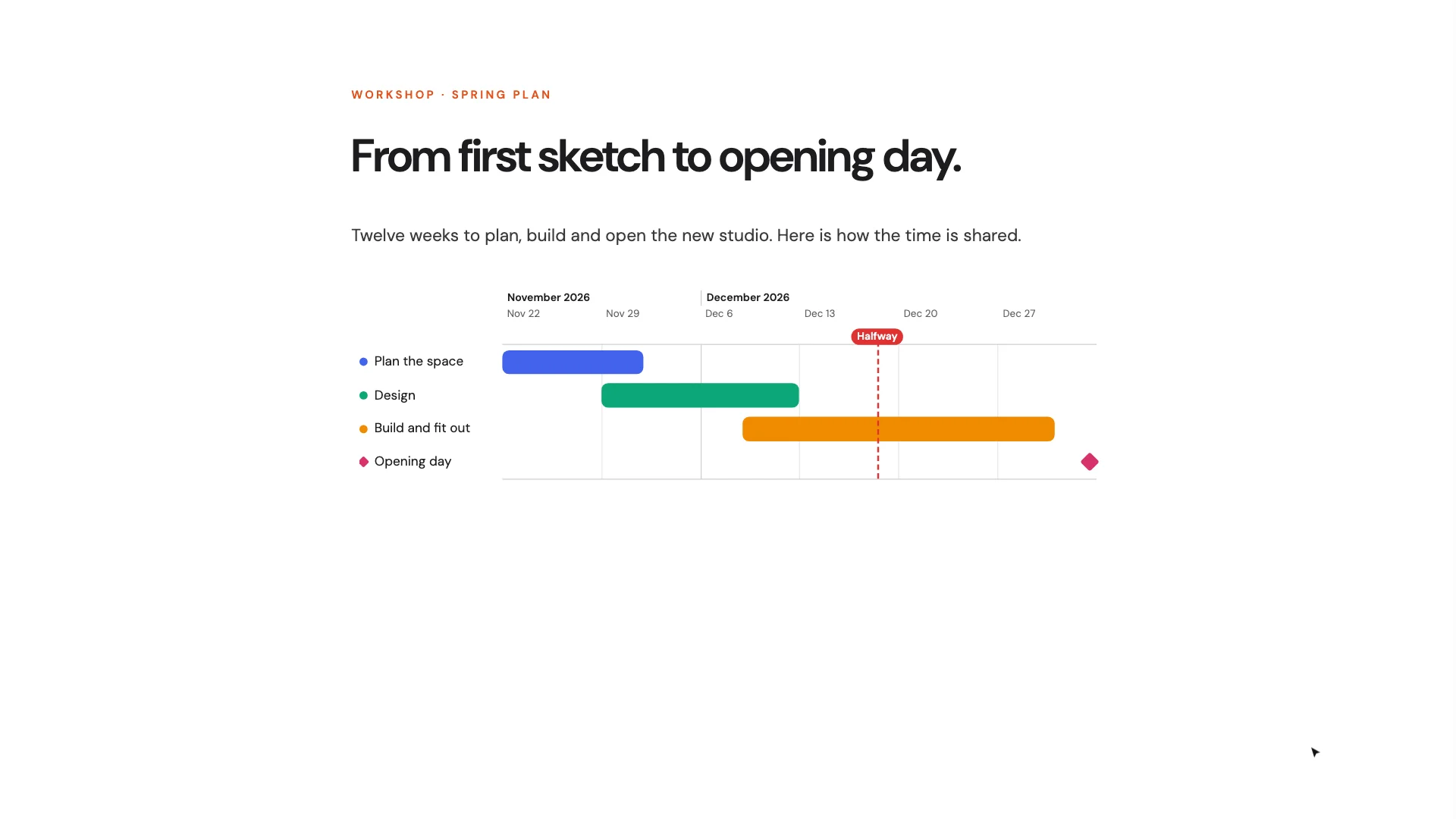
Solid, soft or line bars on a scale of days, weeks or months, with the names on the bars or in a column. A step that starts and ends on the same day is a milestone.
Mark a date
A dashed line with a name, such as Deadline or Halfway, shows where a date falls in the plan.
Part of the page
The timeline is plain HTML in the page’s font and language, and reads on light and dark sections. Nothing extra loads, and on a phone a long plan scrolls sideways.
How it works
1
Open Timeline
Click where it should go and choose Timeline in the Insert menu.
2
Add the steps
Type a name, a start and an end date for each step, and click its color to change it.
3
Choose a look and insert
Pick the scale, the look and where the names go, mark a date if you like, then Insert.
Screenshots
Turn it on
Copy the add-on next to the editor files and add it to the addons option. Works with a script tag or a bundler (React, Next.js, Vue, Vite).
const builder = new ContentBuilder({
    container: '.container',
    addons: [ContentBuilderAddons.Timeline()],
});
Questions
- Does a Today mark move by itself?
- No. The page is published as it is, so the marked date is the one you set. Change it with Edit Timeline.
- Which language are the months in?
- The page’s language. It can also be set with the locale option.
- Can screen readers read it?
- Yes. They read the steps as a list with their dates.
- Can I undo it?
- Yes. Inserting or changing a timeline is one step; one Undo takes it back.
- Can I use it in my SaaS or an app I sell?
- Yes, with a Pro or Super licence of ContentBuilder.js or ContentBox.js.
- Is the source code included?
- Yes. Every add-on comes with its source code, whichever licence you have, so you can change it for your project.
- How long are updates and support?
- 1 year of free updates and email support included. Updating is optional.