Add-ons / Location Map
Location Map add-on
Show the way, without loading a map.
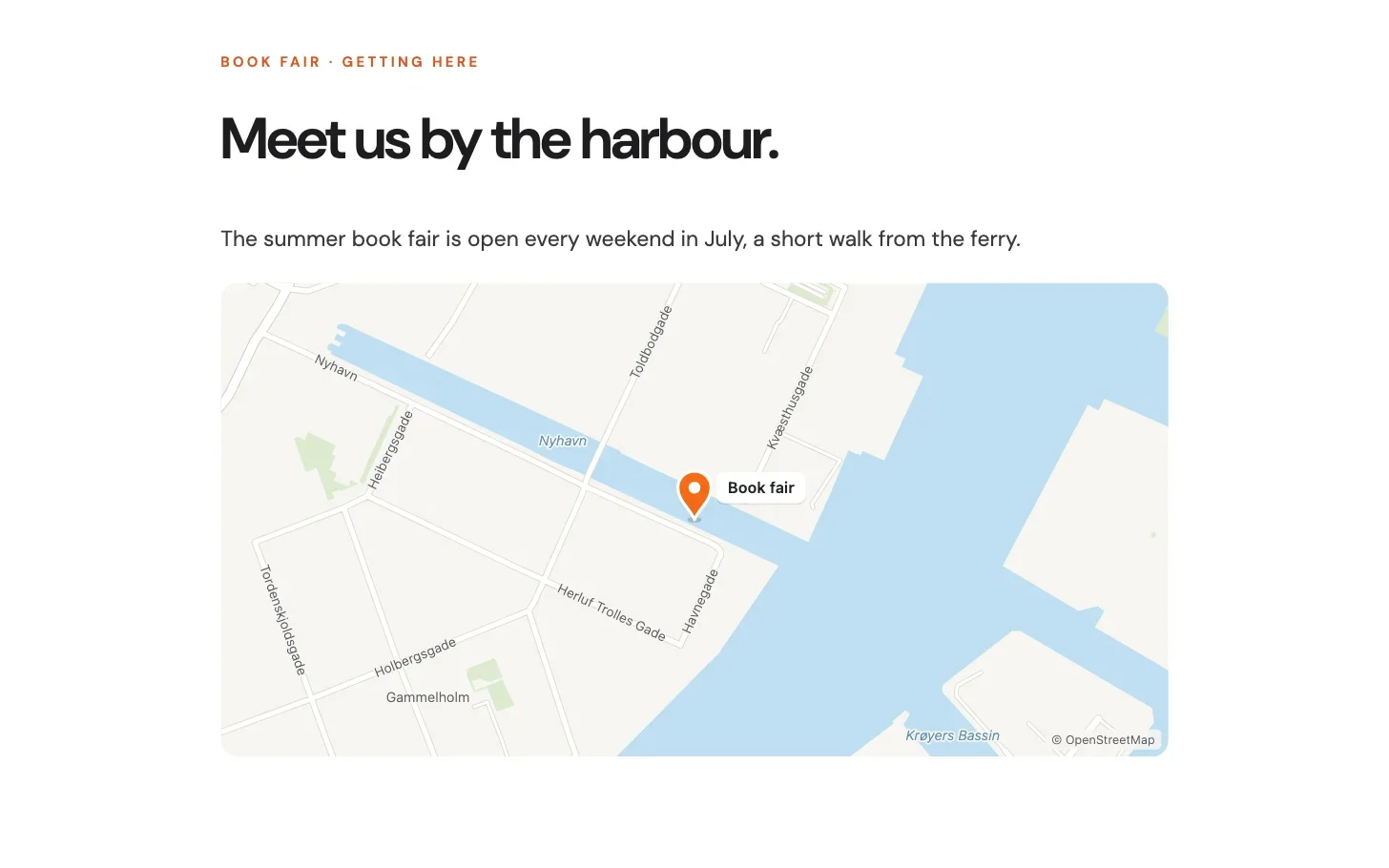
A contact page, a shop or an event needs to show where it is, and an embedded map brings cookies, a slow page and a key to manage. With this add-on you search for the place, drag the map until the pin is on the spot, and insert it as a drawing: sharp at any size, with nothing for the page to load.
$19
For ContentBuilder.js 6.0.12 and ContentBox.js 6.0.13, or newer.
One price. Use it wherever your ContentBuilder.js or ContentBox.js licence lets you use the editor, on websites or in SaaS. Source code and 1 year of updates and email support included.
Or get it in the Visual Content bundle for $179, or with all add-ons for $299.
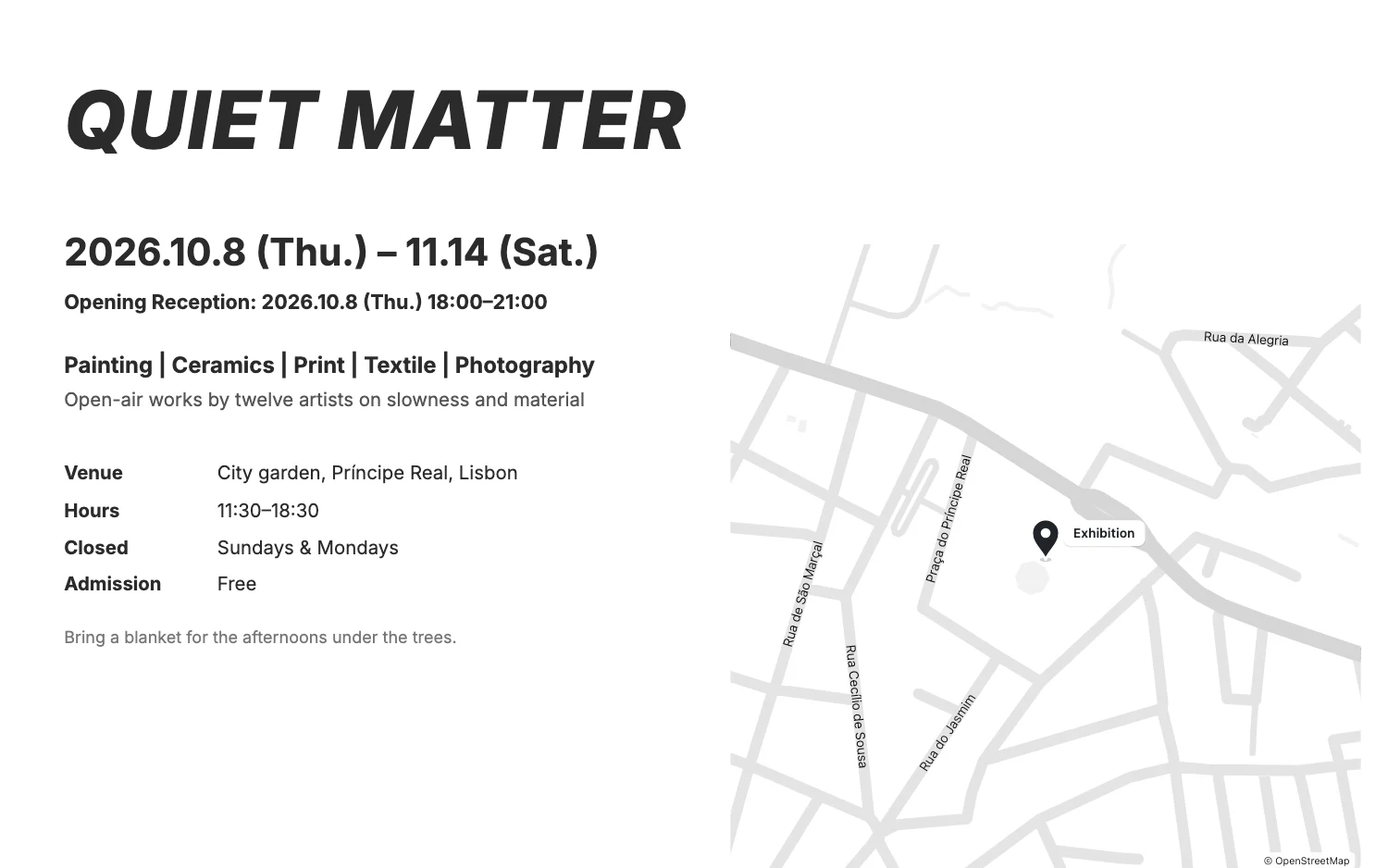
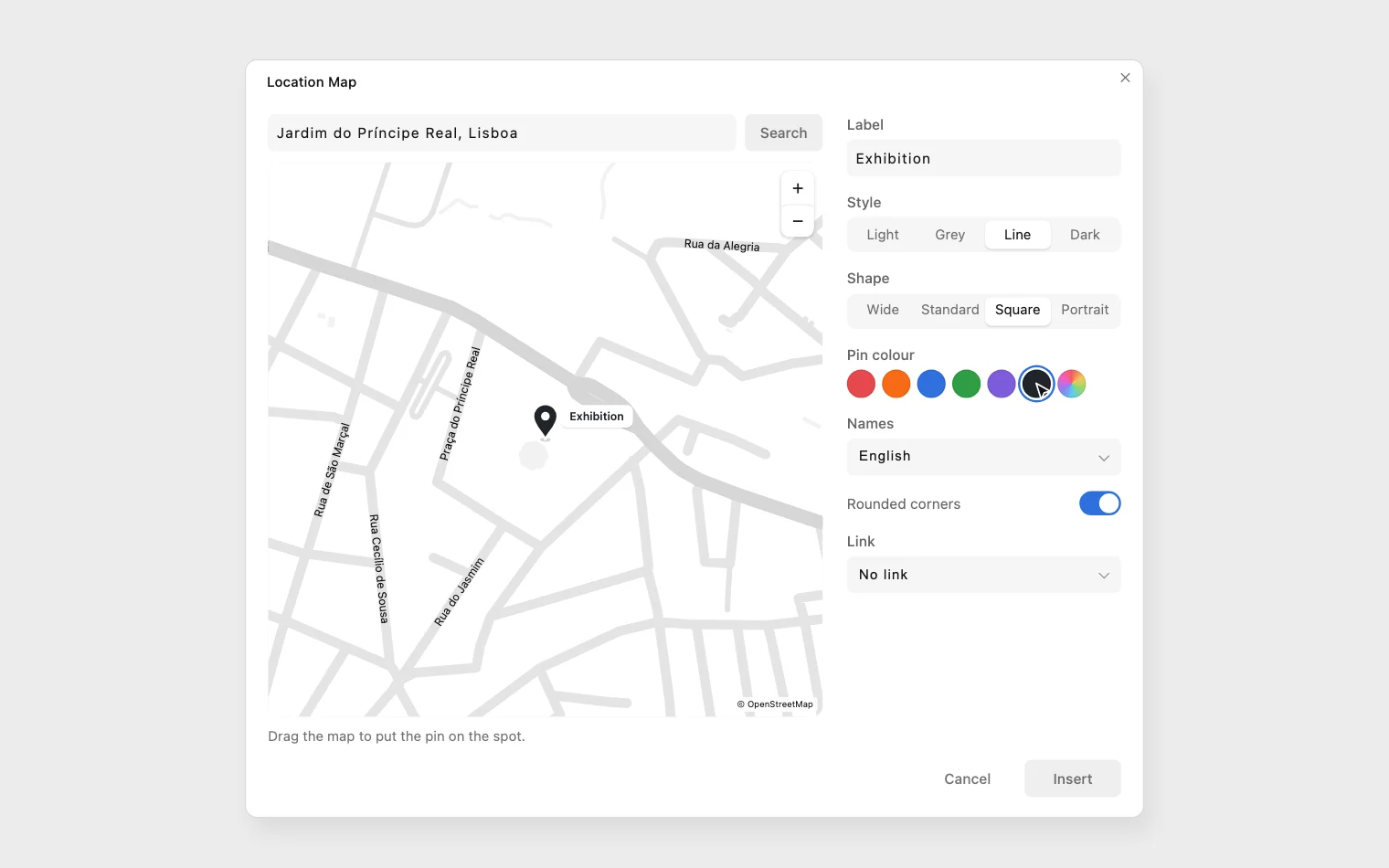
An exhibition invitation: search for the place, name the pin, choose the Line style, a square shape and a dark pin, and insert.
Why it is different
Nothing extra to load
The map is a finished drawing in the page: no iframe, no cookies, no script to load. A link can be added to open the place in Google Maps, Apple Maps or OpenStreetMap for directions.
Fits the design
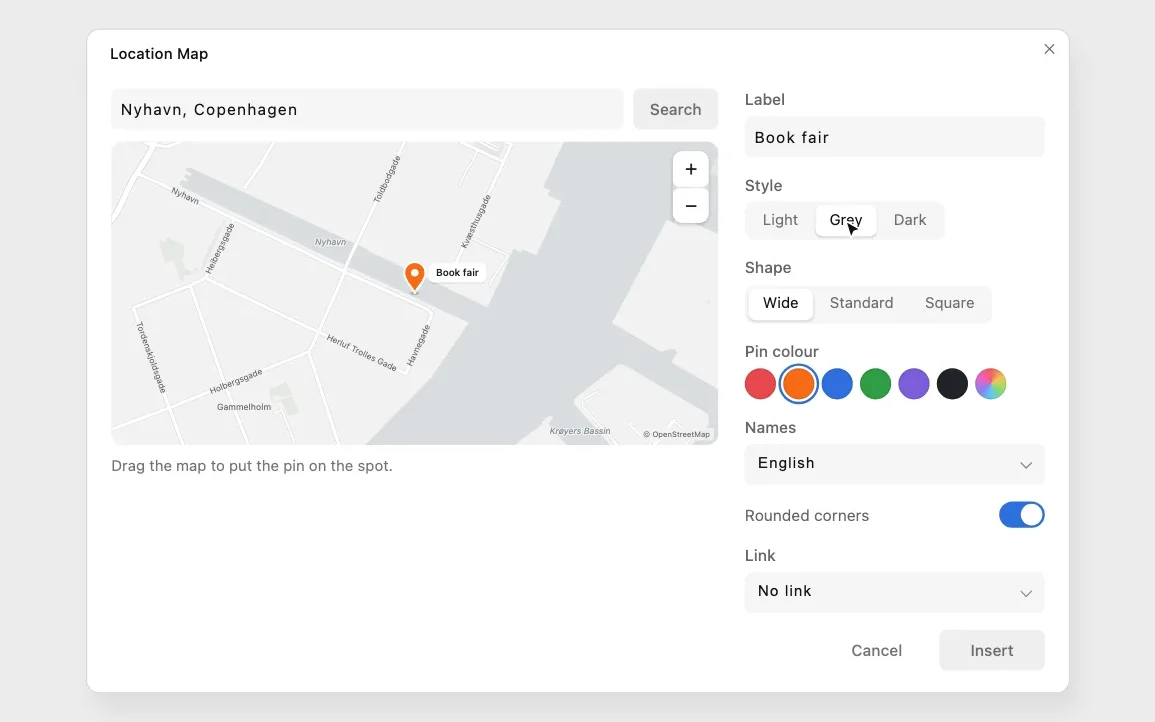
Light, Grey, Line or Dark style, a wide, standard, square or portrait shape, a pin color and a label. Place and street names in English, in the local language or in 22 others.
Scrolls like a picture
An embedded map catches the scroll: on a phone the page stops moving when a finger lands on it. This one is part of the page, so scrolling just goes on. It also prints and resizes like any picture.
How it works
1
Open Location Map
Click an empty line and choose Location Map in the Insert menu.
2
Find the place
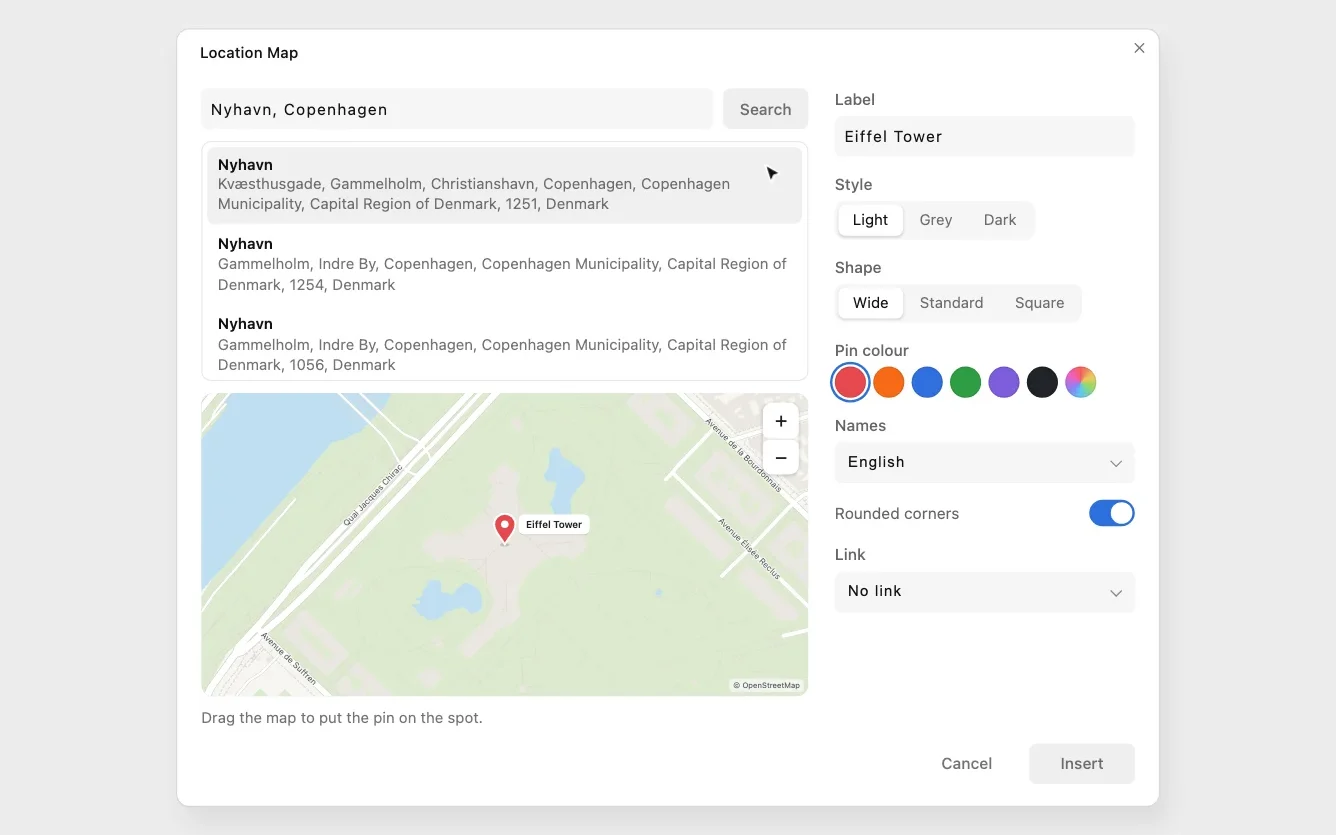
Search for it, pick it from the list, and drag the map until the pin is on the spot.
3
Style it and insert
Choose the label, style, shape and pin color, and where a click leads. Then Insert.
Screenshots
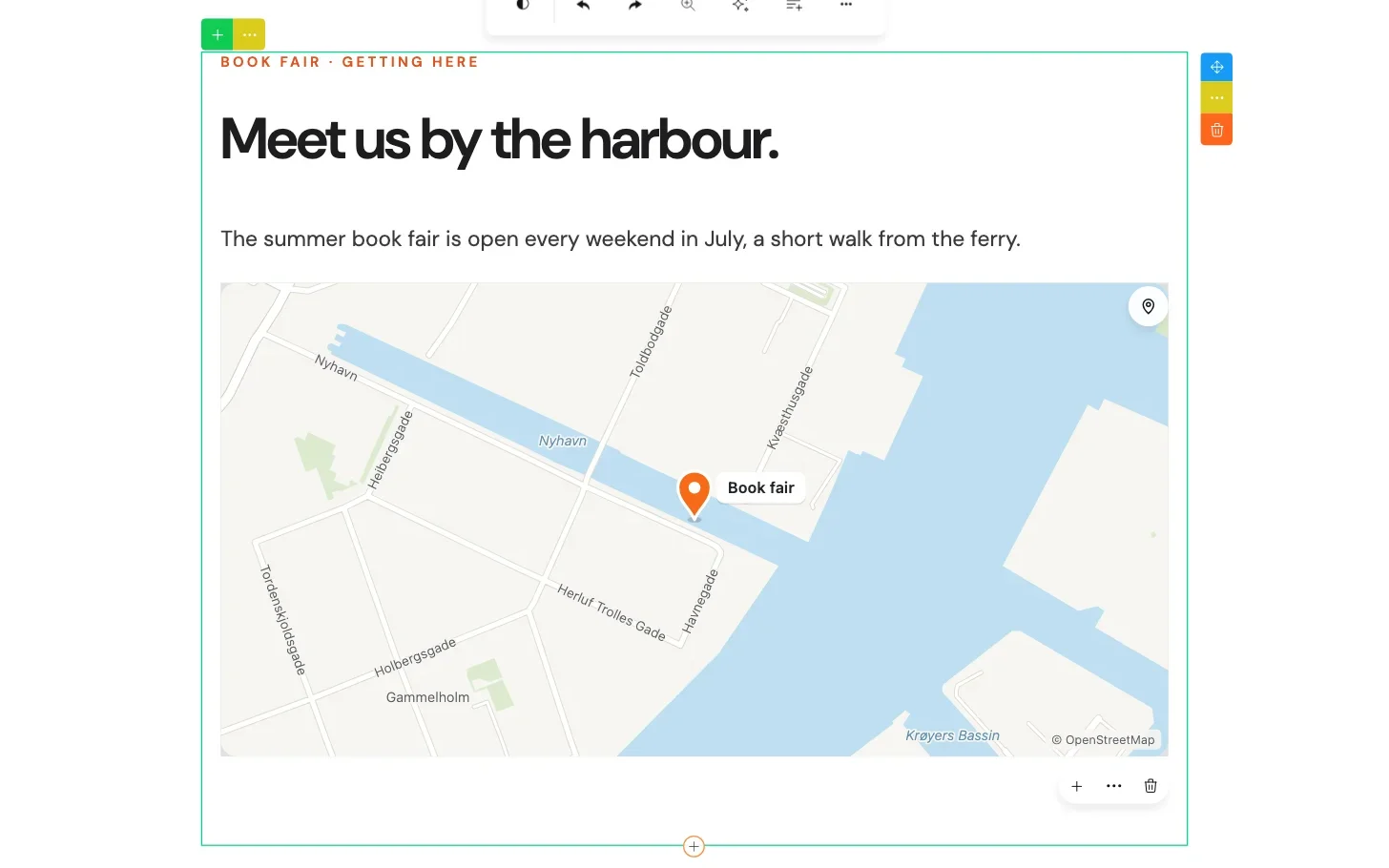
Turn it on
Copy the add-on next to the editor files and add it to the addons option. Works with a script tag or a bundler (React, Next.js, Vue, Vite).
const builder = new ContentBuilder({
    container: '.container',
    addons: [ContentBuilderAddons.LocationMap()],
});
Questions
- Where does the map come from?
- From OpenStreetMap, through OpenFreeMap: free, with no key or sign-up. The map can be made or changed only while that service is online. Maps already in your pages are finished drawings and keep working whatever happens to it.
- Can visitors move or zoom the map?
- No. It is a still map, made to show where a place is. Choose a link to let a click open the place in Google Maps, Apple Maps or OpenStreetMap.
- Does it set cookies or need consent?
- No. Visitors load nothing from a map service, so there is nothing to consent to.
- Can I change a map later?
- Yes. Double-click it, or click it and choose Edit Map. Applying the change is one step; one Undo takes it back.
- Can I use it in my SaaS or an app I sell?
- Yes, with a Pro or Super licence of ContentBuilder.js or ContentBox.js.
- Is the source code included?
- Yes. Every add-on comes with its source code, whichever licence you have, so you can change it for your project.
- How long are updates and support?
- 1 year of free updates and email support included. Updating is optional.